Shot logging
Dose, yield, time, grind setting — every shot captured in seconds. Build a history you can actually learn from.
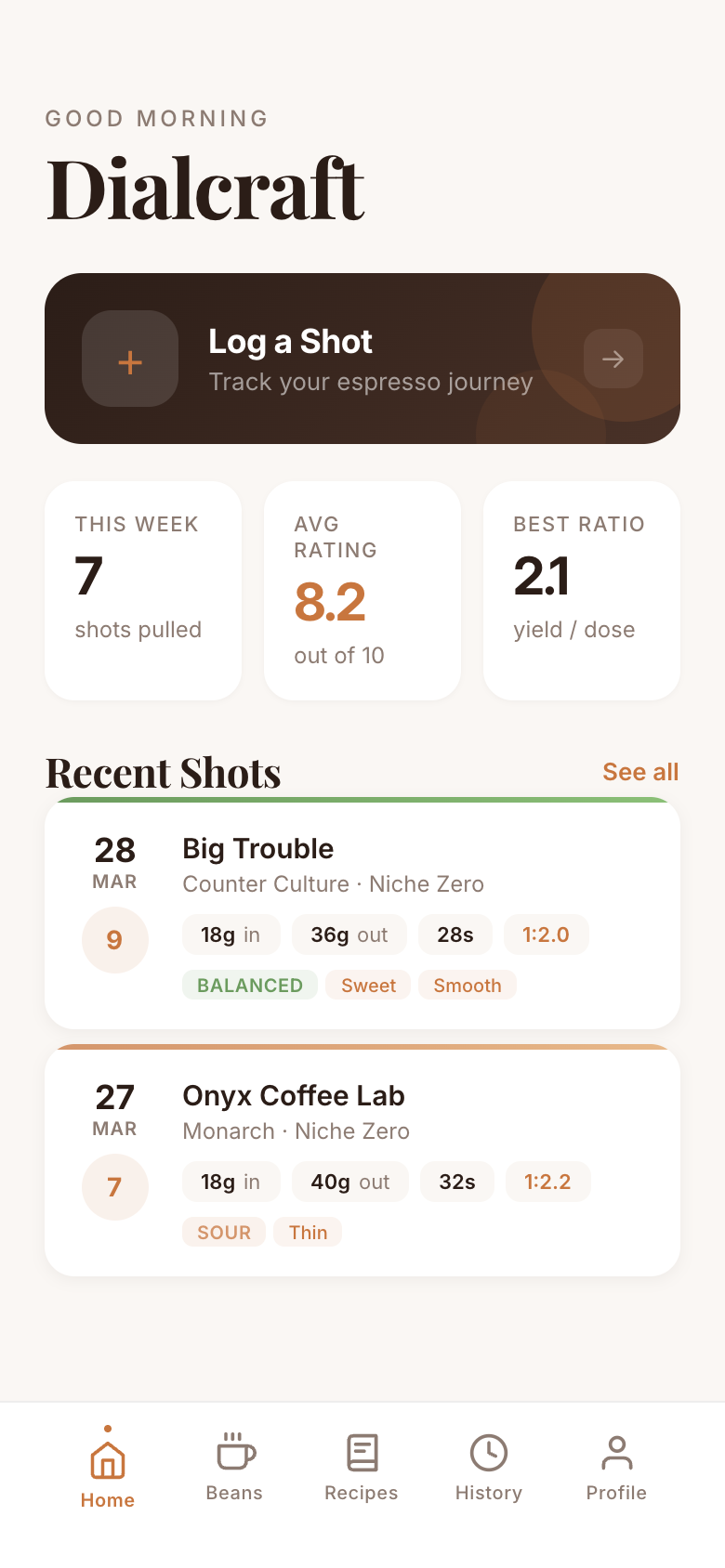
Log shots, track your beans, connect your Bluetooth scale, and save recipes that nail it every time.
18g in → 36g out → 28s → 1:2 ratio
There’s a better way to dial in.
Dialcraft watches your shots and tells you exactly what to change next. Grind a touch finer. Pull two seconds longer. No more guessing between pours — dial-in suggestions turn every bag of beans into a repeatable recipe.
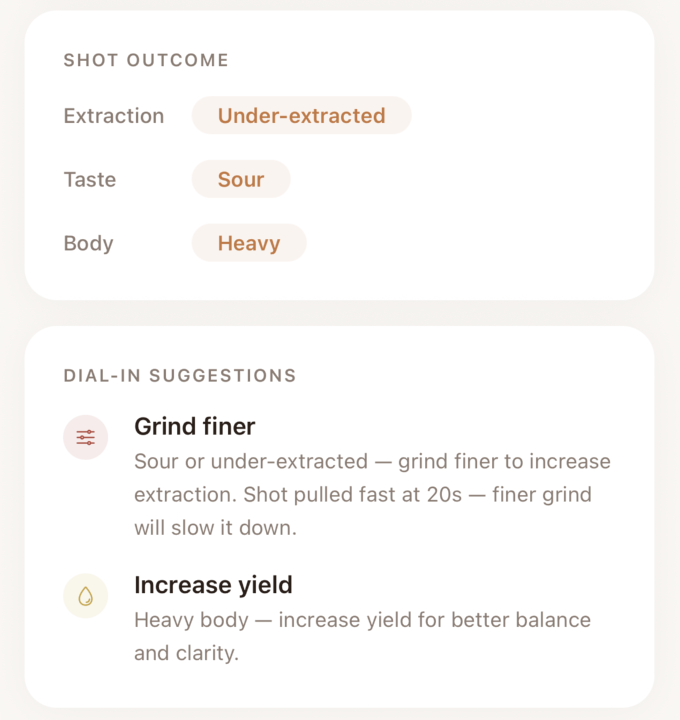
↓ Grind 2 steps finer · Target 36g in 28–30s
Dose, yield, time, grind setting — every shot captured in seconds. Build a history you can actually learn from.
After each shot, Dialcraft recommends the next adjustment — grind finer, extend time, tighten the ratio. Precision without the guesswork.
Connect your scale and capture yield and shot time automatically. No more juggling phone, tamper, and timer.
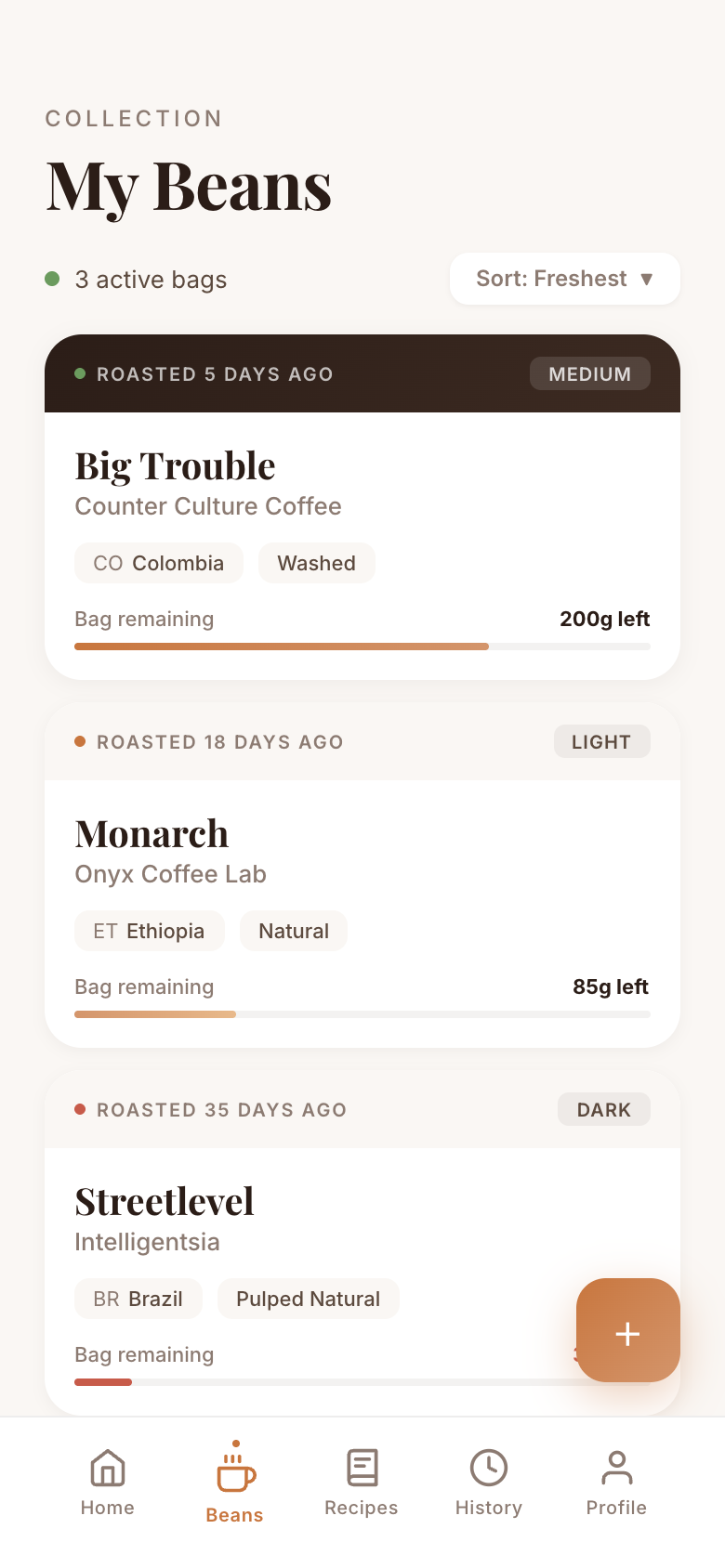
Track roasters, roast dates, and tasting notes. Know exactly how a bag behaves from day four through day twenty.
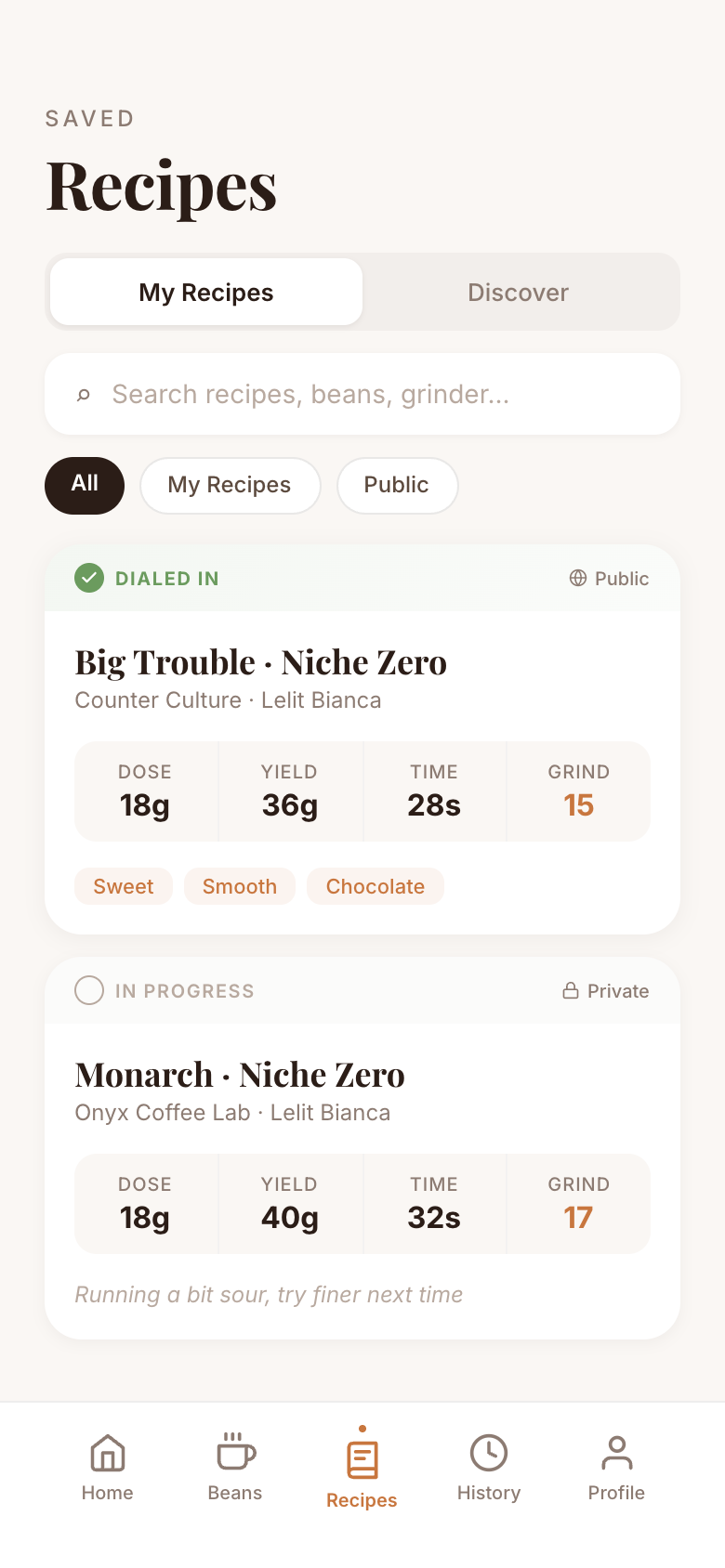
Save the recipes that nailed it — and pull from a library of dialed-in shots shared by other enthusiasts.
Four taps from a fresh bag of beans to a repeatable recipe.
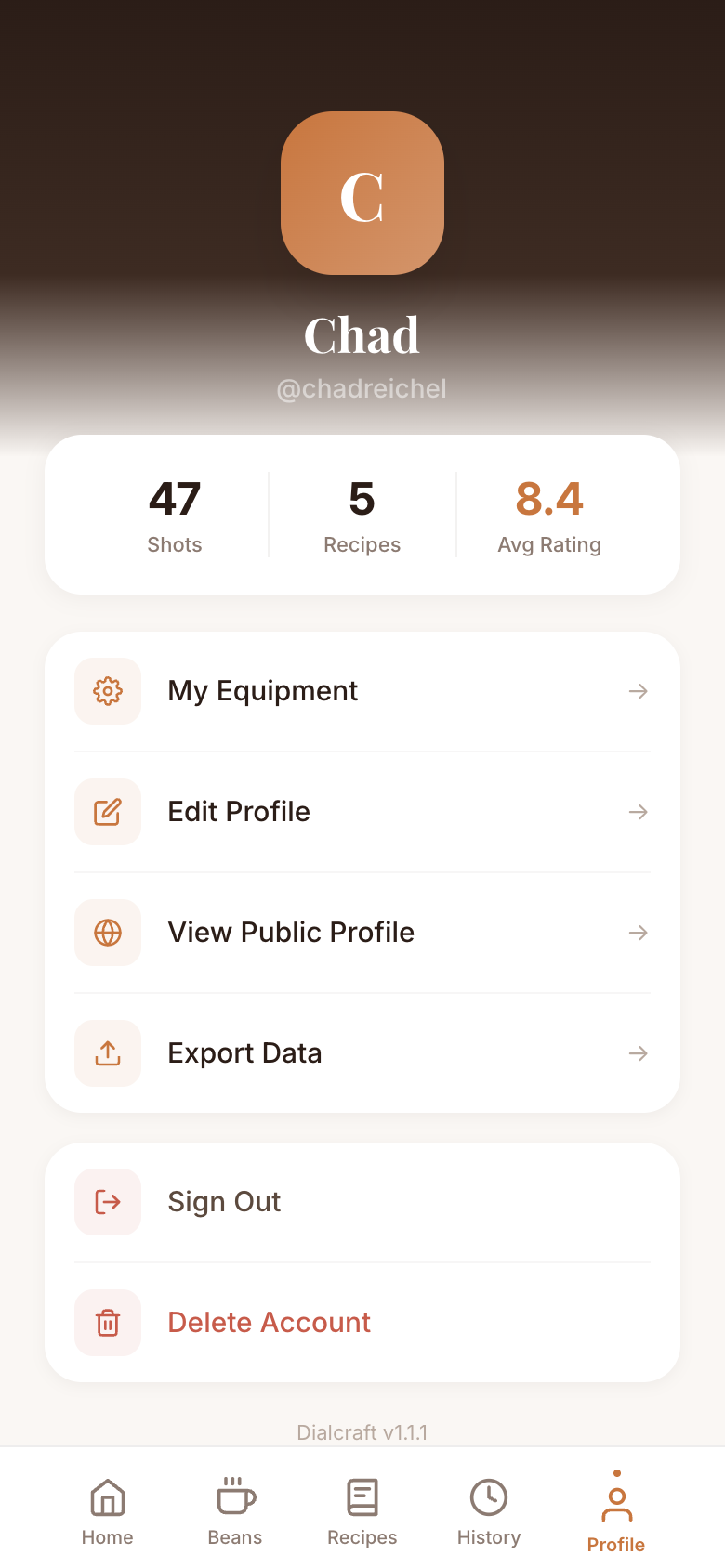
Dose, yield, time, grind. Connect your Bluetooth scale and the numbers fill in themselves.
Dialcraft reads the shot and tells you exactly what to change next — finer, coarser, longer, shorter.
When a shot nails it, lock the recipe to the bag. Pull it again tomorrow without thinking.
First 50 contributing beta testers get all future paid features free for life.
Join the iOS BetaAndroid coming soon